How to hide split pane title bars in Iterm2 MacOS
Updated
•1 min readSteps
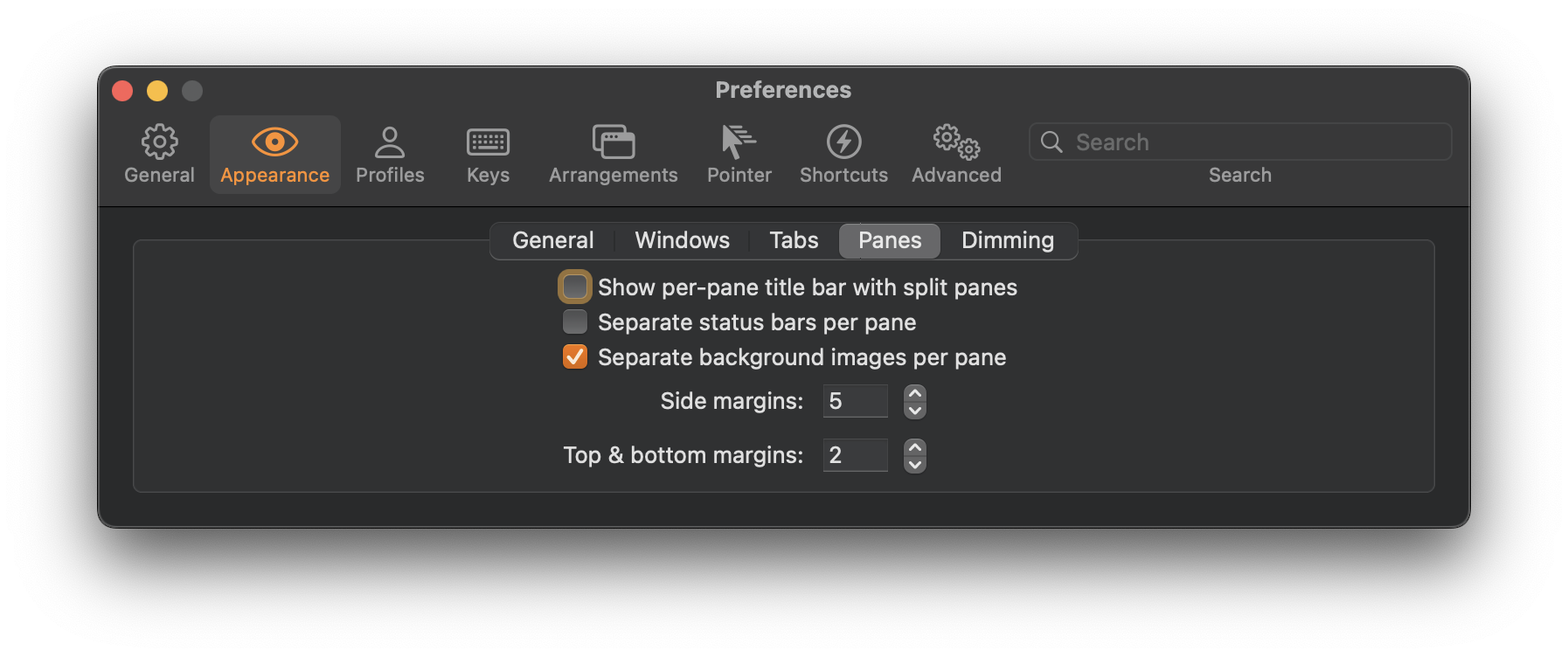
Iterm2 preferences -> Appearance -> Panes -> toggle off show per-pane title bar
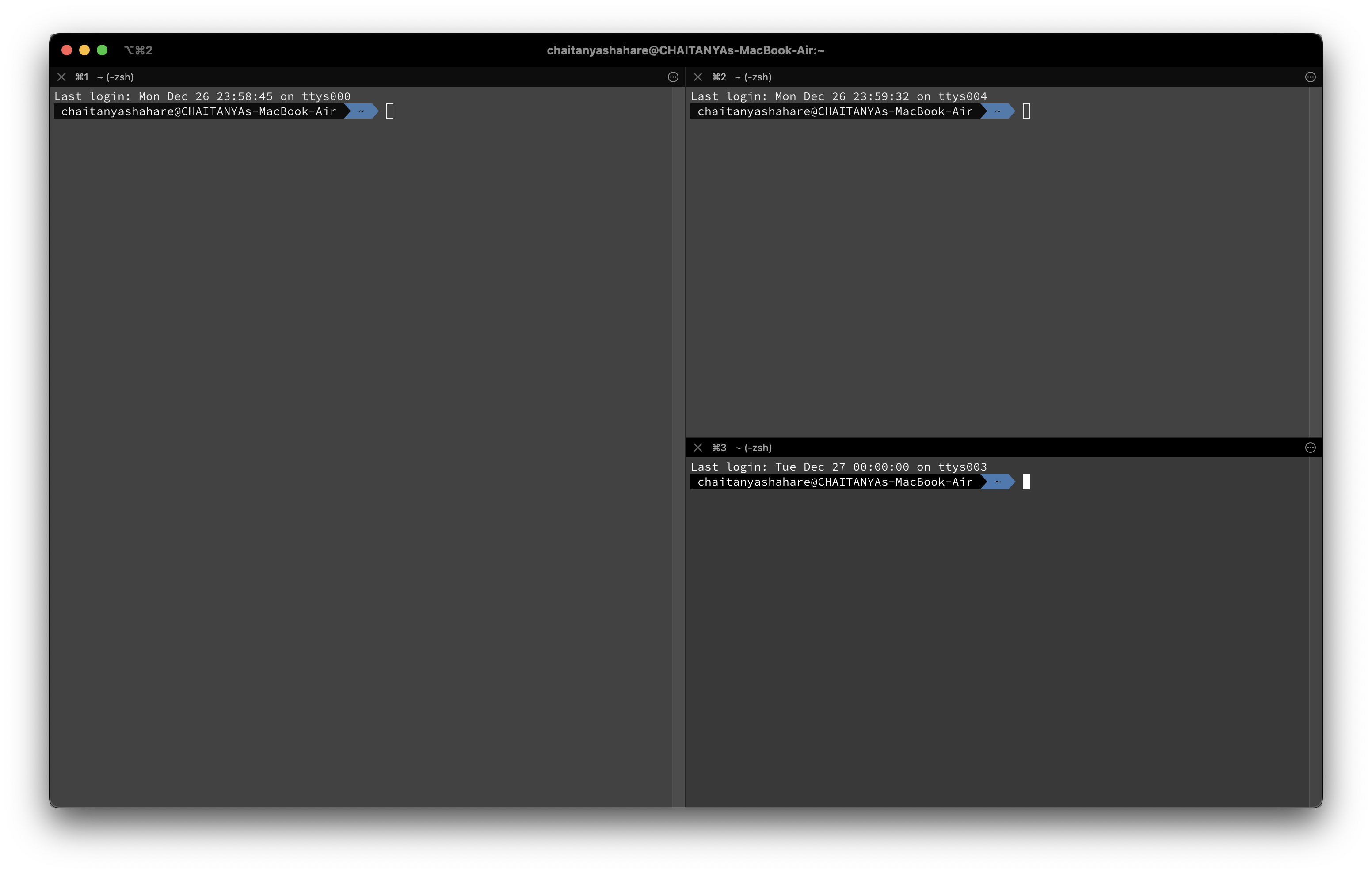
Before
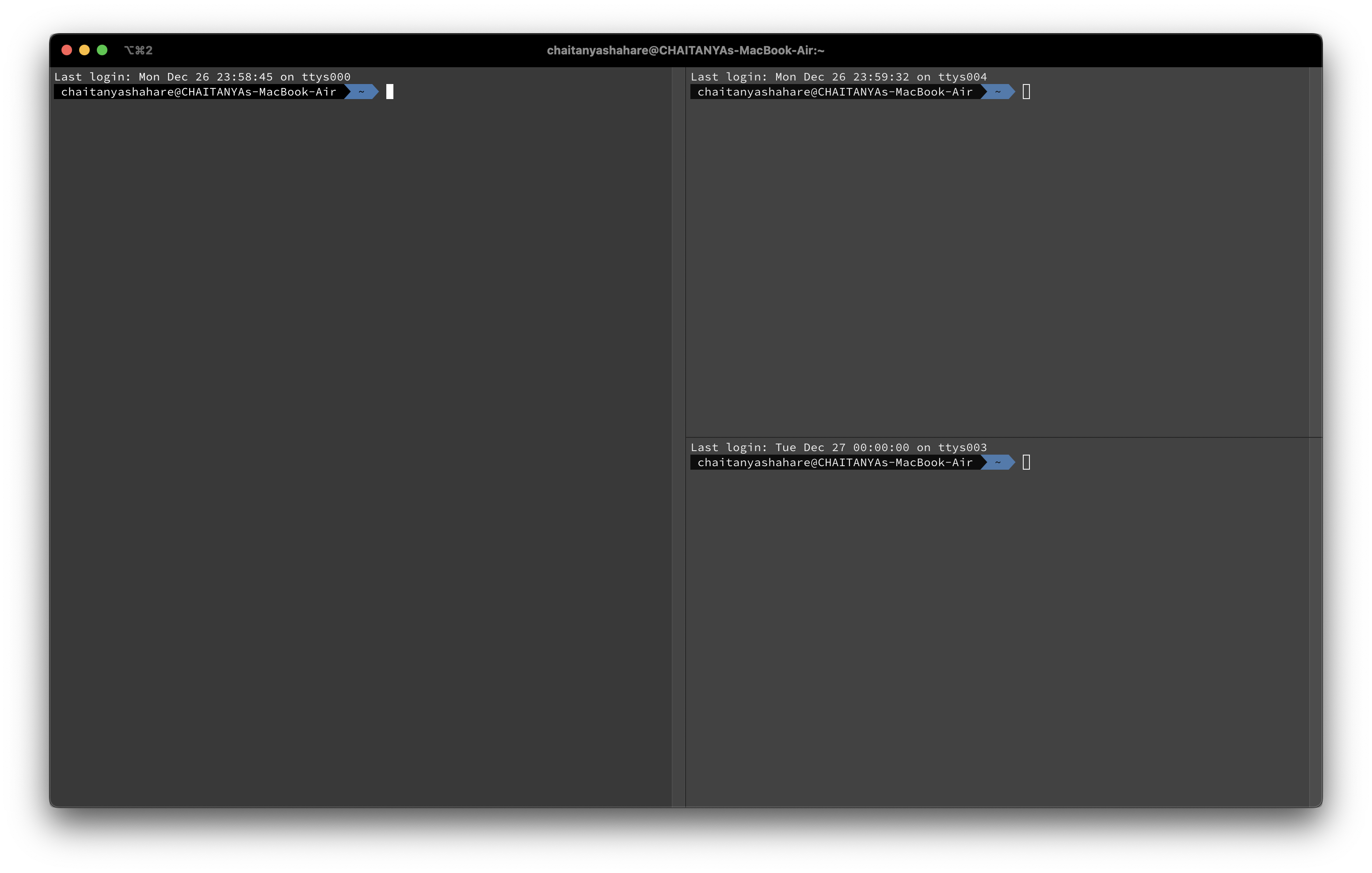
After
Search for a command to run...
Iterm2 preferences -> Appearance -> Panes -> toggle off show per-pane title bar


If you are like me and just at the start of your coding journey, git rebase --interactive might be a scary command. I feared that if anything went wrong I would lose a lot of my code and have to do that work all over again. But that was the point of ...

To add the current date and time to a file in Vim / Neovim use the following command in command mode :.!date

Location of Neovim configuration file, init.vim

Install and apply colorschemes or themes in neovim

VS code like code runner in Neovim with a simple script.
